The Screen Shot below is the folder (AMW -> DPA -> OrderToFactory -> Sent) that holds all the order files sent to factory.
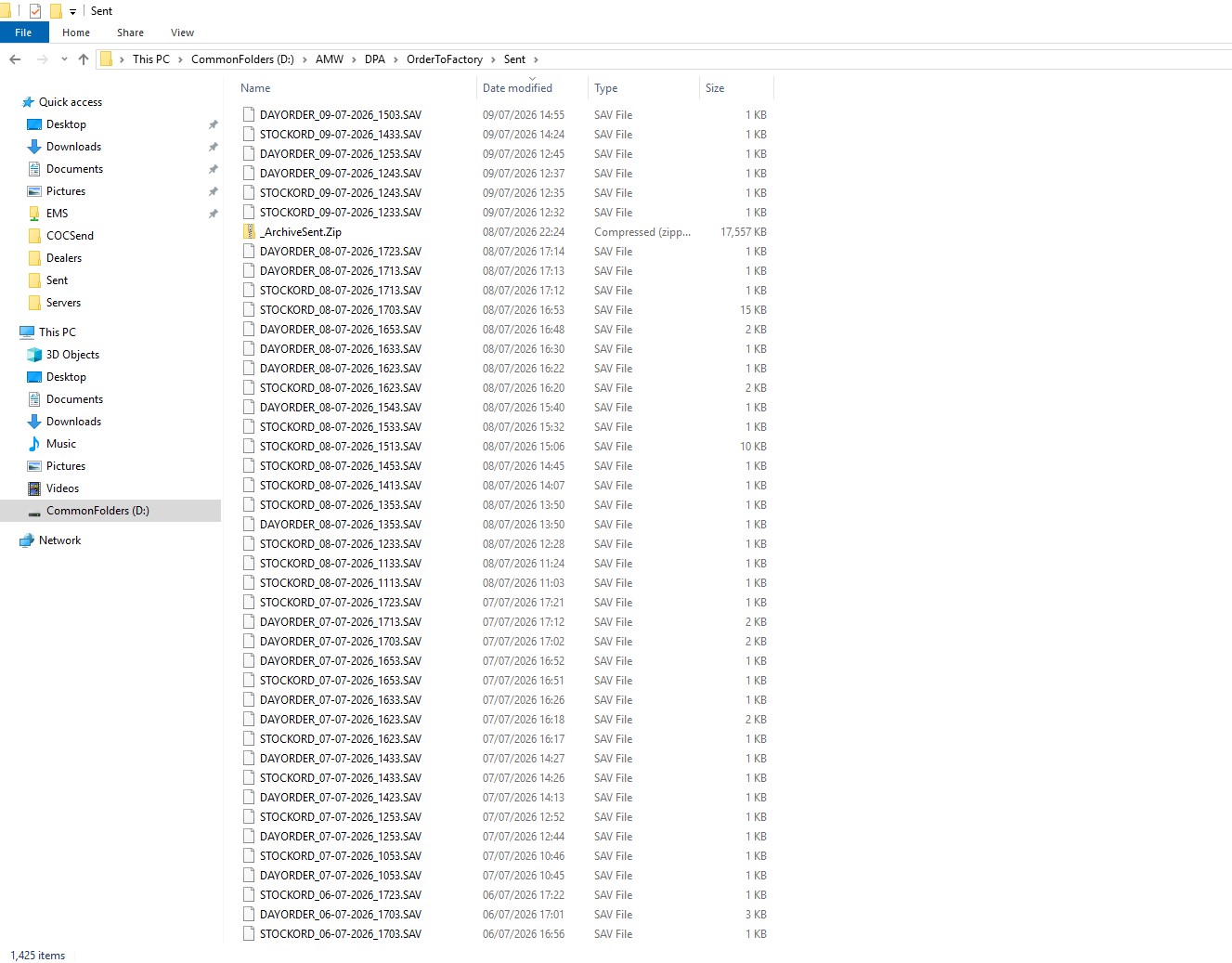
If the order fails to send and is not seen in logiweb, we have to navigate through the files in this folder to see if the order number exists in any of the files from that days order.
If the order number does not exits in any of the files, that means the order has failed to send to factory.
If the order has failed to send we need to navigate to Spare Parts -> Purchase Orders in Automaster.
Search for the order number, click file -> perform order -> create order file.
Leave a message in the note section stating it is a resend of a missed order and send.
You should be able to see the file in the orderToFactory folder before it moves up to Sent folder.
Was this article helpful?
That’s Great!
Thank you for your feedback
Sorry! We couldn't be helpful
Thank you for your feedback
Feedback sent
We appreciate your effort and will try to fix the article