If you need to reprint documents that are required to return parts to factory for a warranty claim.
- Open AutoMaster > Workshop > Work Orders
- Search for work order in question
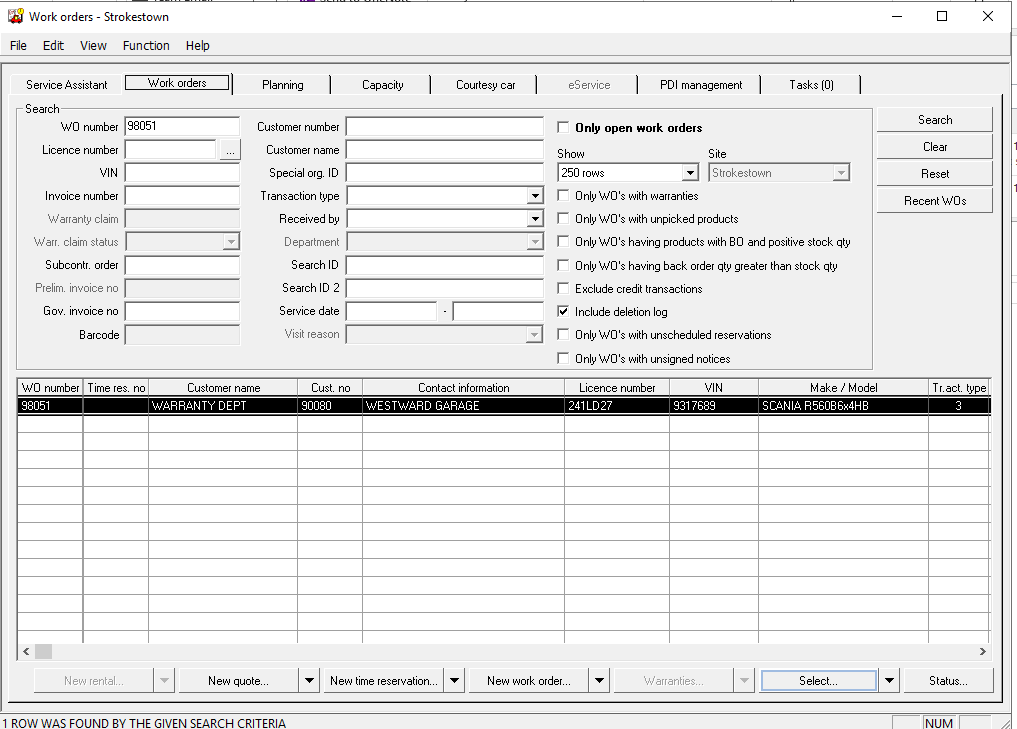
- Open highlighted work order
- Under Lines section you should see a red line - this indicates that there is a requirement to send the part back to the factory for inspection
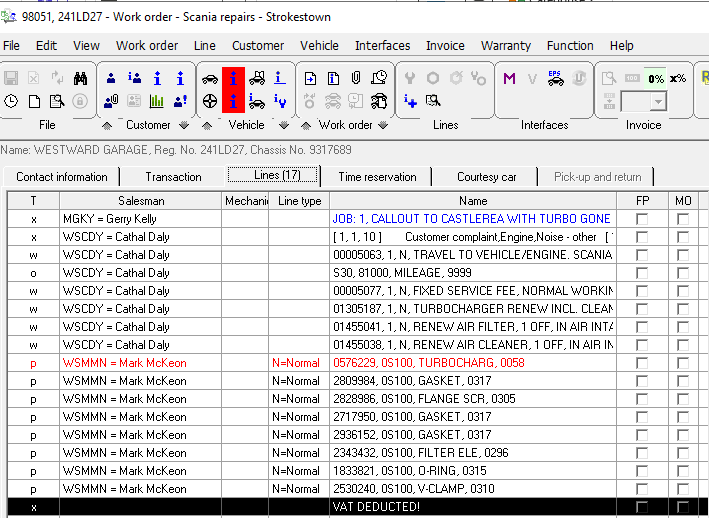
- From the Warranty Menu click on Warranty Claim

- There is an option of bottom right hand side of screen to re-print

Was this article helpful?
That’s Great!
Thank you for your feedback
Sorry! We couldn't be helpful
Thank you for your feedback
Feedback sent
We appreciate your effort and will try to fix the article