- You need VCI4 Configurator App and SWS to configure a VCI4.
- Make sure the VCI4 Configurator App is up to date.
- If it is not up to date - right click on the app open file at location and delete all the files.
- Now go to SWS - Click On Communication Units and Download VCI Configurator.
- Connect the VCI4 to the truck and, to the laptop the Configurator app is on
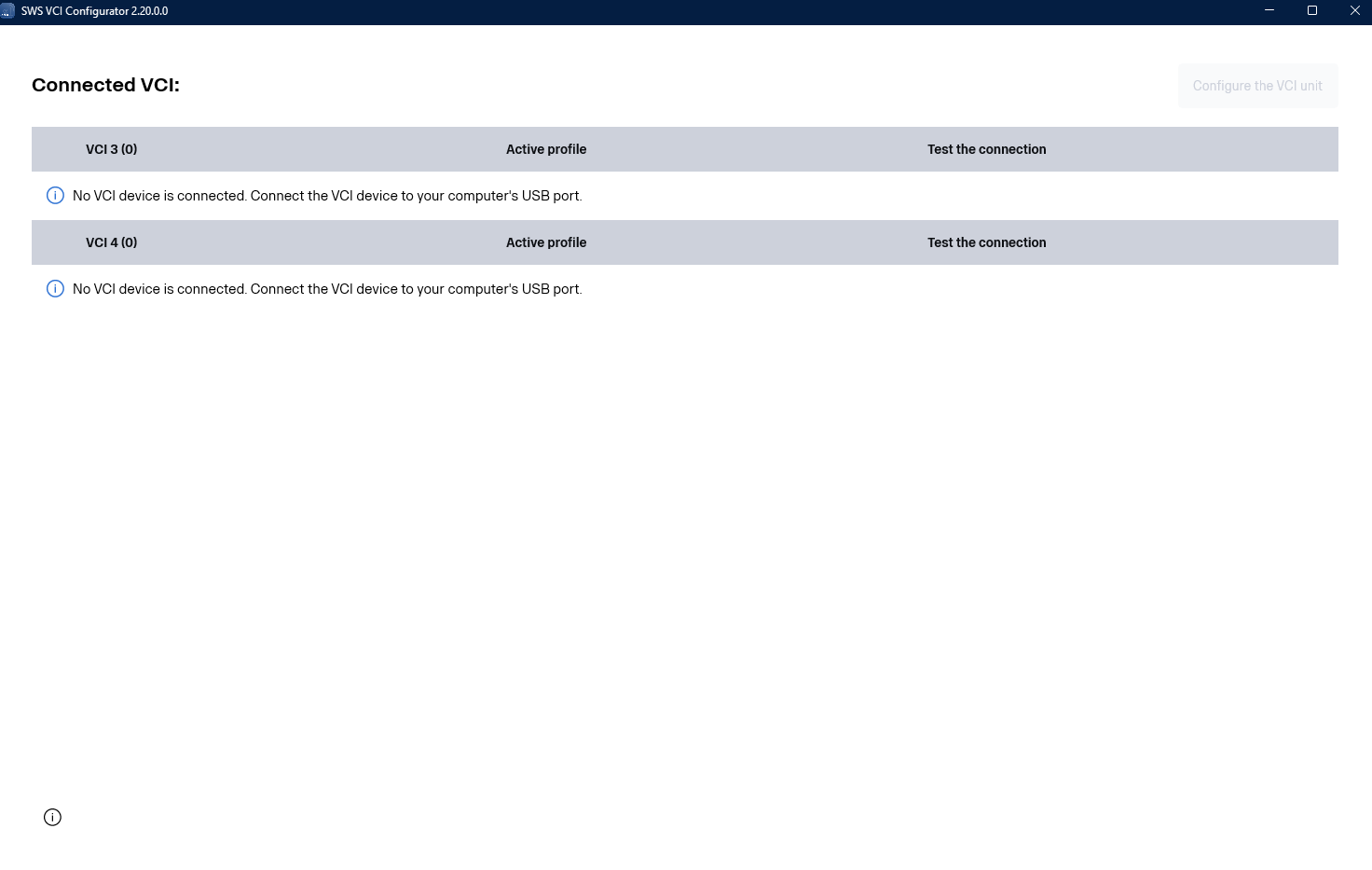
- Once the VCI4 is connected it will pop up in the image above.
- Choose the VCI4 and follow the instructions going a long.
- Make sure to take note of the serial number of the VCI4.
- Go back to SWS and Register the VCI4 under the correct workshop.
- You should now see the VCI4 in SWS.
- When the process is completed and the VCI4 can be seen in SWS under the correct workshop unplug the VCI4 from the laptop but leave it connected to the truck.
- Give it 5-10 minutes to connect to the truck.
Was this article helpful?
That’s Great!
Thank you for your feedback
Sorry! We couldn't be helpful
Thank you for your feedback
Feedback sent
We appreciate your effort and will try to fix the article